
As hundreds of invoices can be imported at one time when using Invoice Scanning in the Purchase Ledger it is possible to miss the messages that show the errors that prevent a document from being imported and posted.
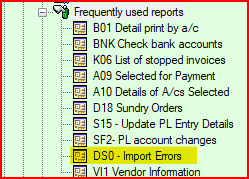
There is a report in the Purchase Ledger Frequently Used Reports menu that can help to identify any invoices that were not imported. It is DS0 - Import Errors
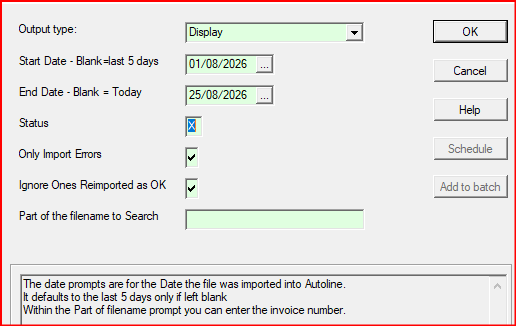
The report will default to checking the last five days if the date prompt is left blank and can be amended for shorter or longer periods. You can also search for a specific document by entering part of the xml filename. Usually the invoice number will identify the document.
The report will show the document details and if you scroll to the right the error that prevented the document from being imported will be displayed.
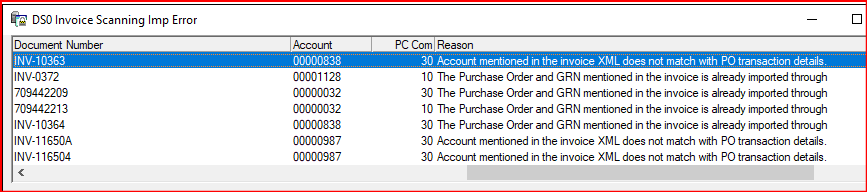
*When the report has identified documents with errors at the import stage always check that the document has not been processed manually by batch input before importing it again.