
PL Invoice stuck at V status
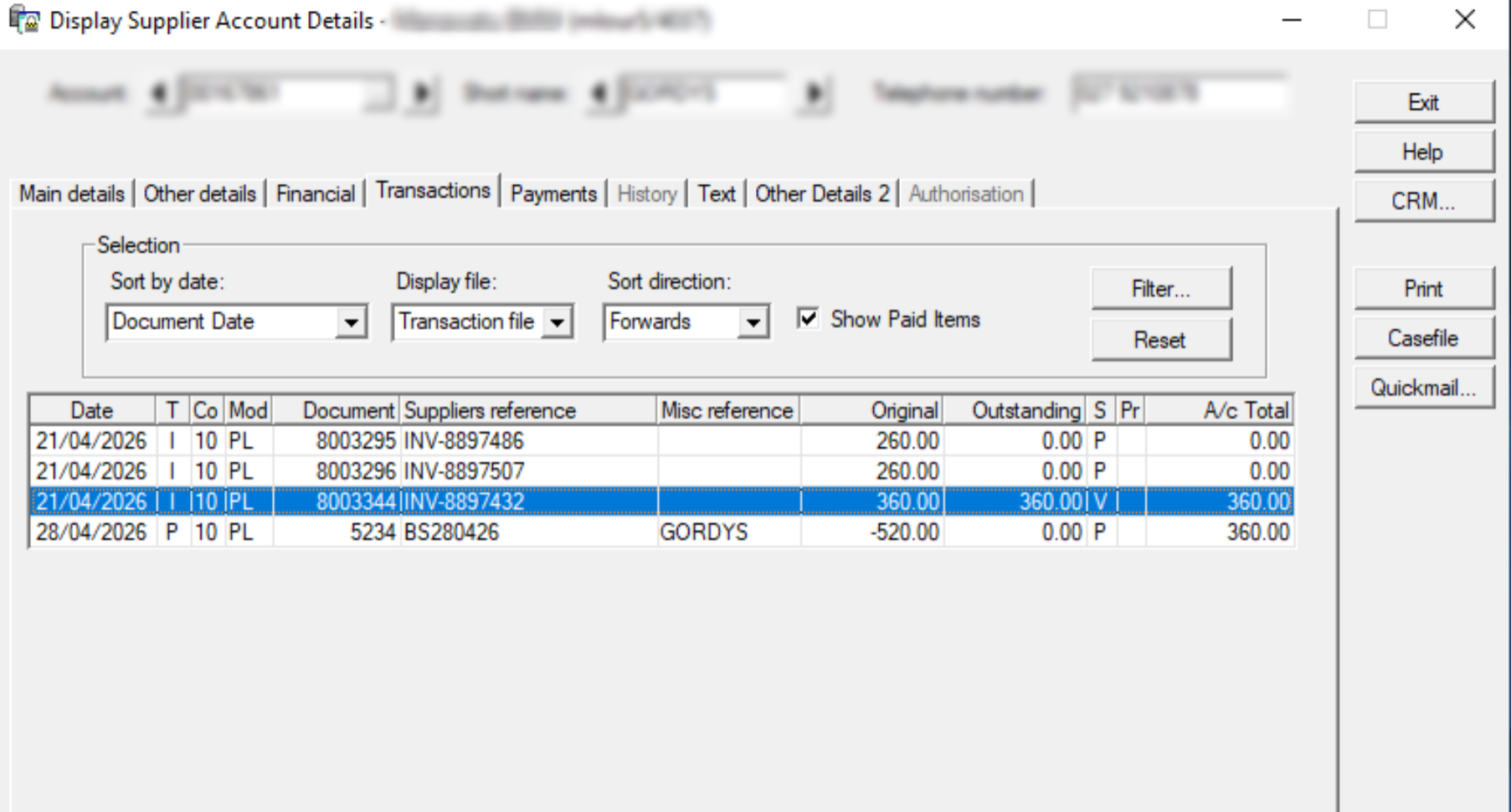
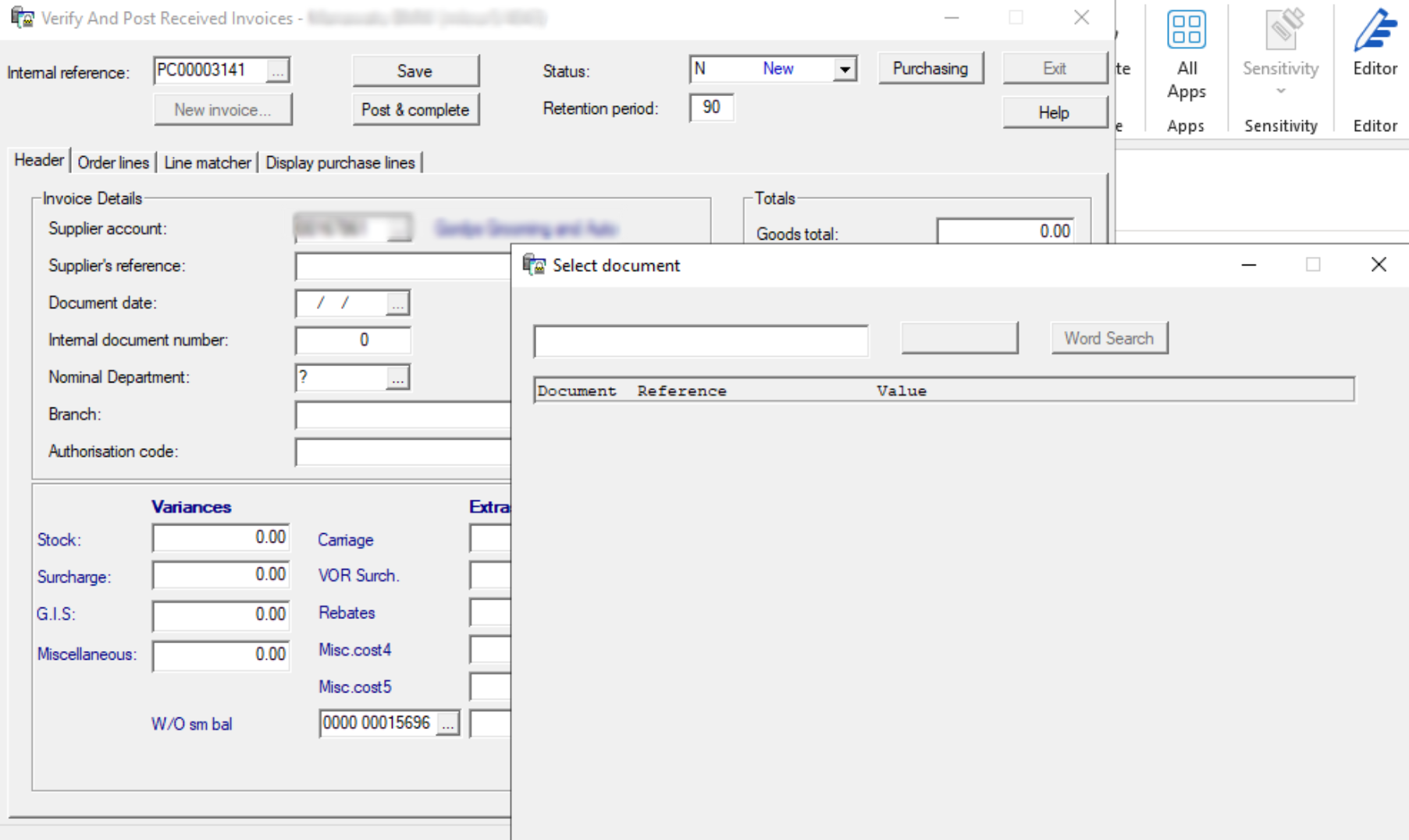
When the V status invoices are not on the Post Invoices screen you can search for them in Purchase Control.
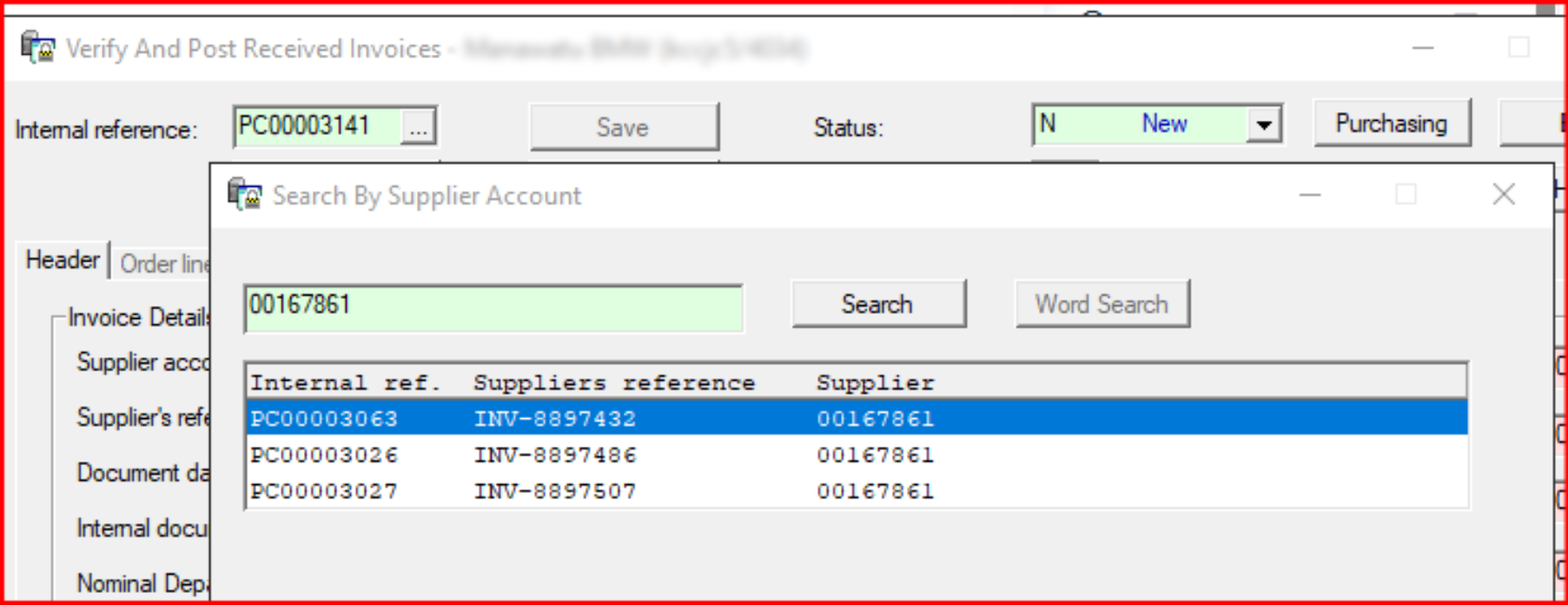
Click on the ellipsis at the right of the internal reference number and you can search by supplier account, this one looks to be ready to verify on PC 3063. Please check it and post and complete it if it is correct.
Note:
If an invoice is imported with GST it should be deleted from the Import and Register screen, corrected in Papertrail and then re-sbmitted. This is to keep the two systems correct, if MBM are using the Papertrail Statement recs they won't balance and also because amending the document on the check and register screen only updates the invim file. It doesn't update the invid file, that one still has the GST.
To correct this, edit the GST to 0.00 and the GST code to O in invid and also updated the PC Invoice Header file, then post it.