
This integration requires Capricorn to install software on a PC
Autoline will communicate with this PC via API on port 80
Autoline will connect via
http://HOSTNAME/CaplinkViaWS/CaplinkViaWS.asmx
http://IP-ADDRESS/CaplinkViaWS/CaplinkViaWS.asmx
3 Hour Autoline setup cost.
Capricorn CAPLINK web service integration
This enhancement allows Capricorn users to automate authorisations and document uploads in POS.
The setup has to be done for each POS company that wants to use CapLink. This functionality will be ignored if not set up.
In the CS-AK -> Point of sale -> System Parameters there are two Caplink set up parameters which must be set. The functionality of this enhancement is disabled if the Dealer ID is blank.

See section: Optional method where dealer Invoices to 2 SL accounts instead of individual customer account.
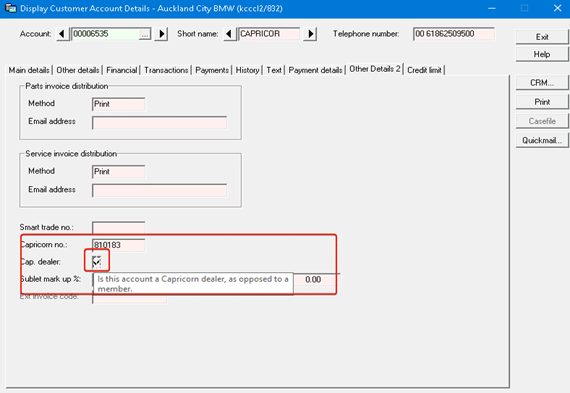
Customer SL Account – Capricorn Member ID
New Zealand:
The Capricorn member ID is shown in the 'Other Details 2' on the SL/Account record
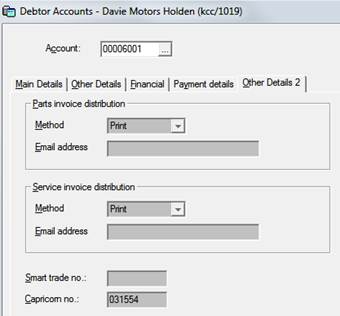
Usage
This functionality operates in Point of Sale, when a WIP is actioned. CapLink should be enabled and the customer should have a Capricon Member ID for this to work.
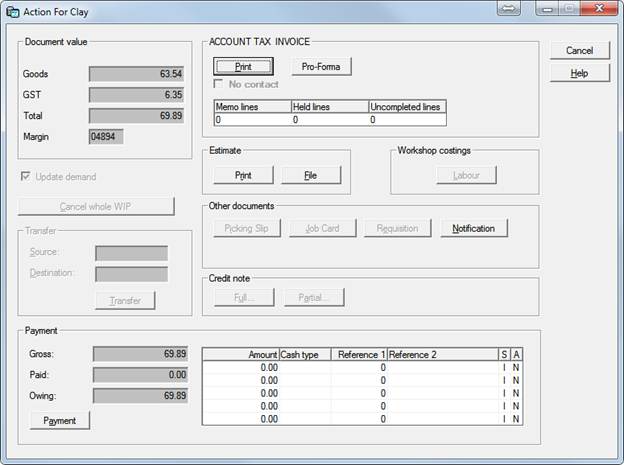
Printing Estimate:
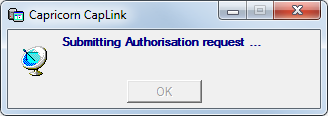
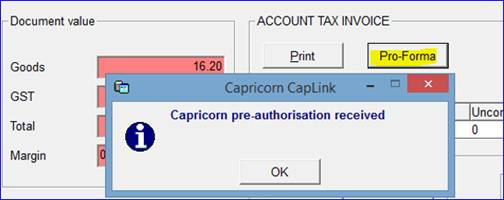
When printing an Estimate, the system will perform a check.
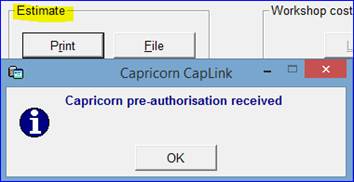
If Capricorn Pre-authorisation is received, this message will be displayed:
If the pre-authorisation fails, the message below will be displayed. However, Estimate / Pro-forma can still be printed.
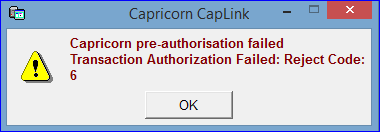
If this error appears - Supplier Not registered
This refers to the Capricorn PC - Dealer ID - activation has not been finalised.
This will require the dealer to contact Capricorn to log into the dealer Capricorn server.
A dealer may have multiple Capricorn Dealer ID's - eg one for each POS company.
Meaning one POS company may not be giving the error and another might
Printing Invoice:
When printing Invoice, the system will perform a check.
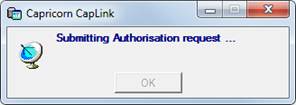
If Capricorn Pre-authorisation is received, this message will be displayed:
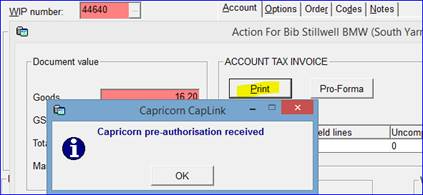
If Capricorn Authorisation and document upload is successful, this message will be displayed:
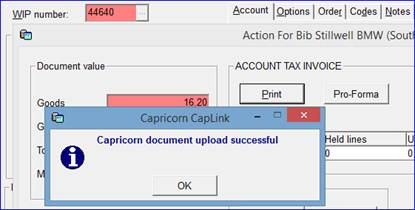
If the Authorisation fails, the following messages below will appear and the invoice will NOT be printed.
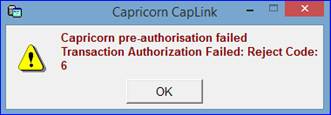
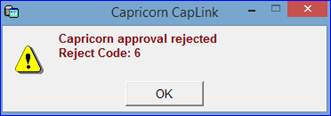
Printing Credit Note:
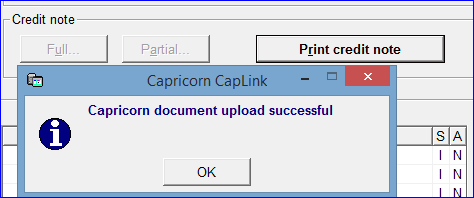
Note: NO PRE-AUTHORISAION OCCURS FOR CREDIT NOTES
The message below will be displayed if document upload is successful.
Optional method where dealer Invoices to 2 SL accounts instead of individual customer account.
When the Dealer users 2 accounts to invoice one for panel and one for all other for sales
e.g.
811212 - Panel
810183 - All other Capricorn Sales
You also must add the Capricorn Numbers on the SL Account.
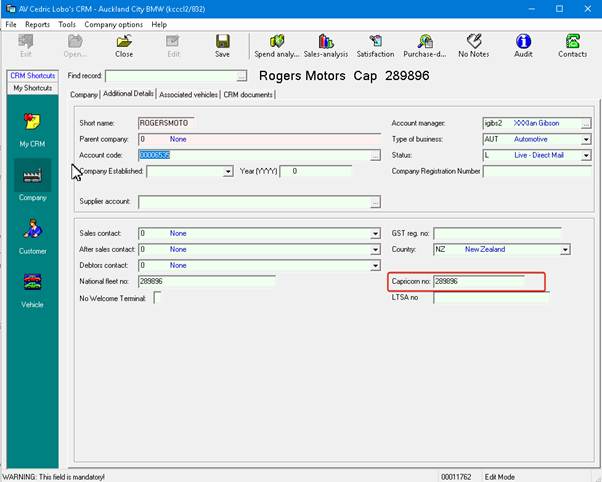
Each Company the Capricorn 6-digit number is entered on the CRM Company record.
Trouble Shooting Caplink API messages
In the $BASE/work directory
The requests and responses are logged.
Be aware that the work directory is cleared overnight in the EOD.