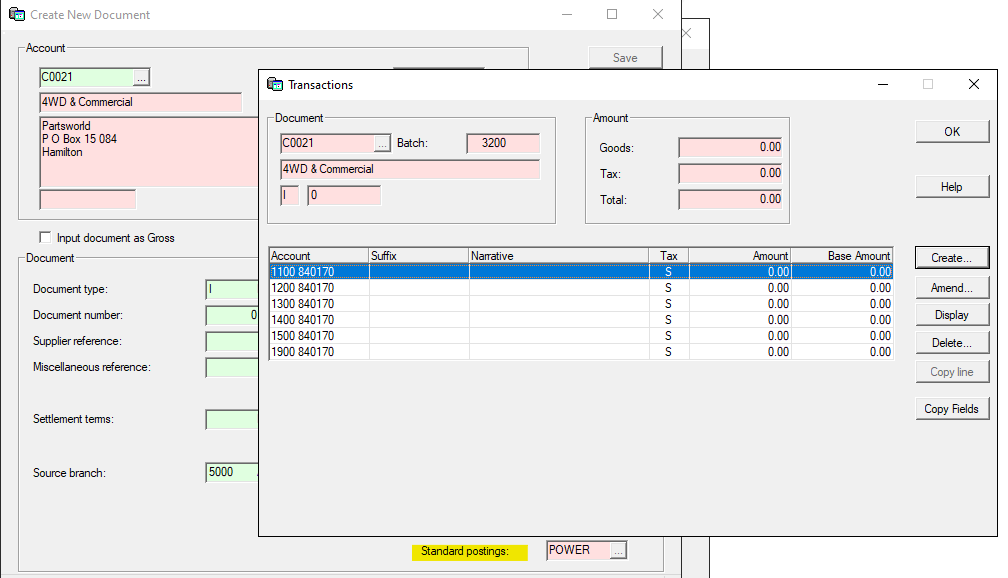
Setting up Standard Postings can be useful for regular invoices such as Power, Rent. Rates etc.
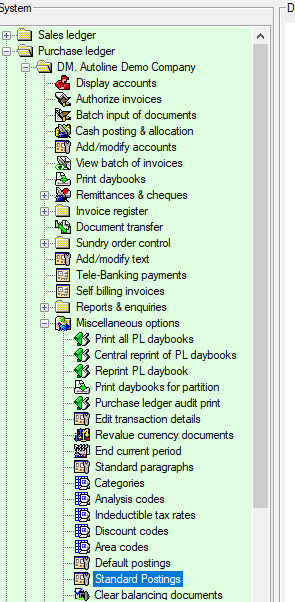
The option is available for both Sales and Purchase ledger invoices and the setup is found in Miscellaneous Options and Standard Postings
Setup
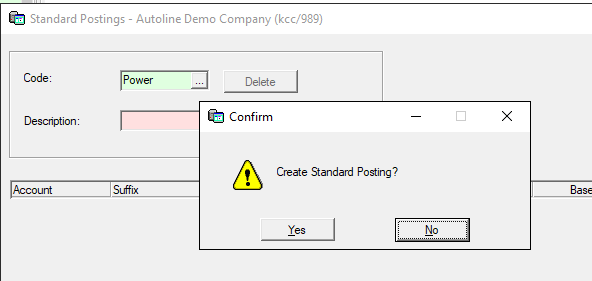
To create a Standard Posting enter a code and there will be a message - Create Standard Posting
Click Yes and enter a description for the posting and then add the NL codes that the invoice is to be coded to and save the record.
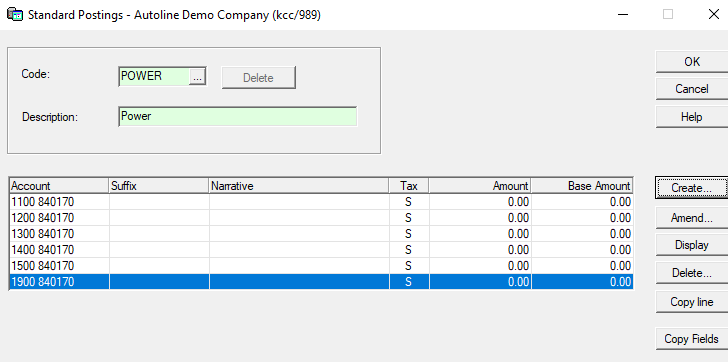
If the posting is for an invoice of variable amounts the amount can be left blank. If it is a fixed amount eg Rates that will be the same for a number of invoices the amounts can be added.
Using Standard Postings
In Batch Input of Documents after selecting the account and entering the invoice details click on Standard Postings and then Transactions and the NL codes will be shown ready for the amounts to be entered.
If any of the codes are not needed they can be left blank and if additional NL codes are needed click create and you will be able to add more codes.